Speaklively
A Mac dictation app that listens on the Mac and shows you the words before it types them.
- Platform
- macOS 26, Apple silicon
- Started
- August 2026
- What we built
- Mac app, AI rewrites, backend, website, brand
- Live at
- speaklively.com
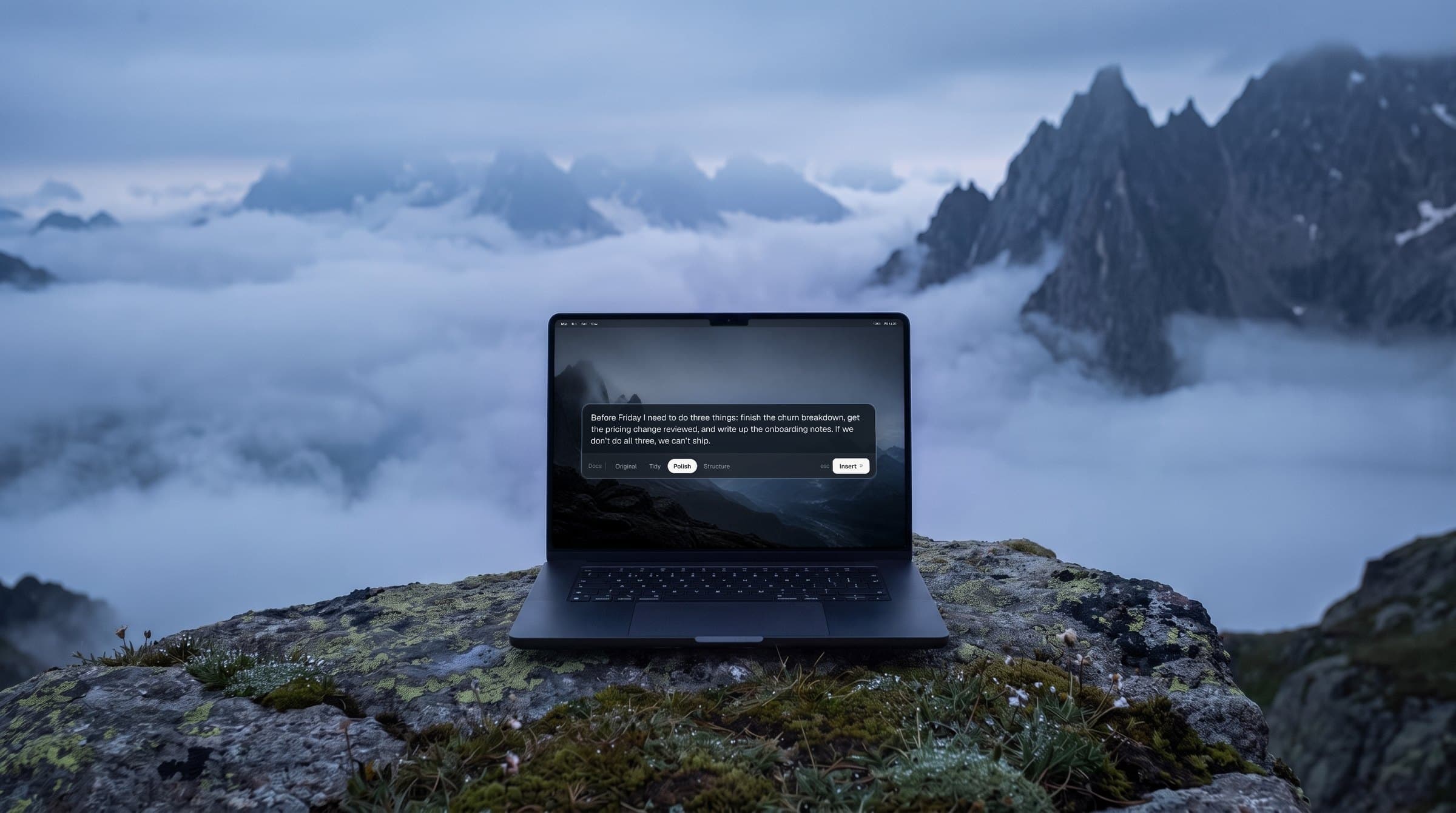
Read it before it types
Every other dictation app pastes what it heard and hopes. Speaklively holds what you said in a small panel, in four versions, and types nothing until you press Return. Your voice never leaves the Mac.

speaklively. The break in the name is carried by colour alone.


A voice that levels out, then a cursor.
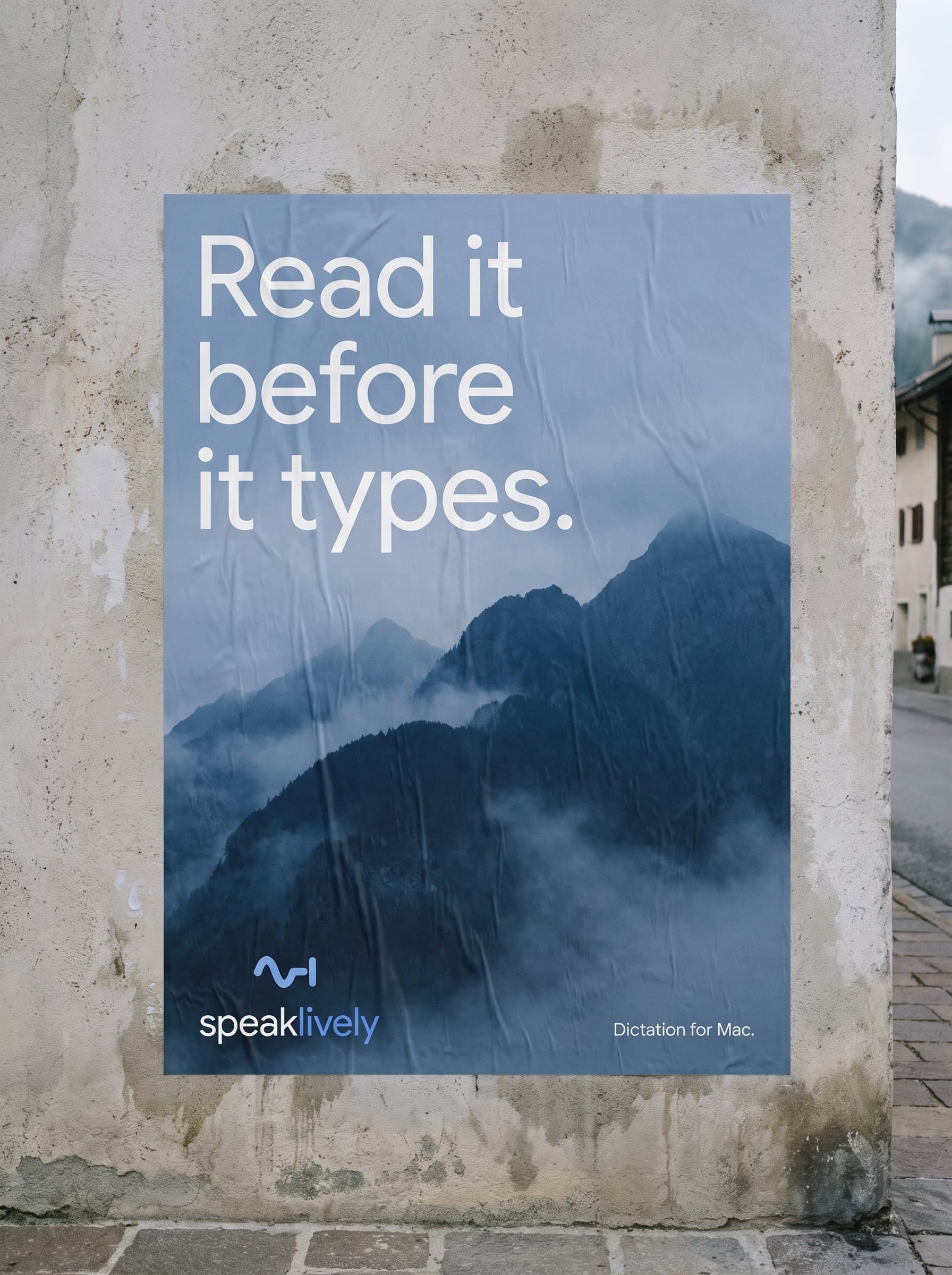
A brand set at blue hour
Cold light, fog in the valleys, the quiet before anyone else is typing. It is the hour people think out loud, so everything Speaklively makes lives there: the palette, the type, the site. The mark is a voice that levels out into a cursor.

Hold fn and speak. It waits for you.
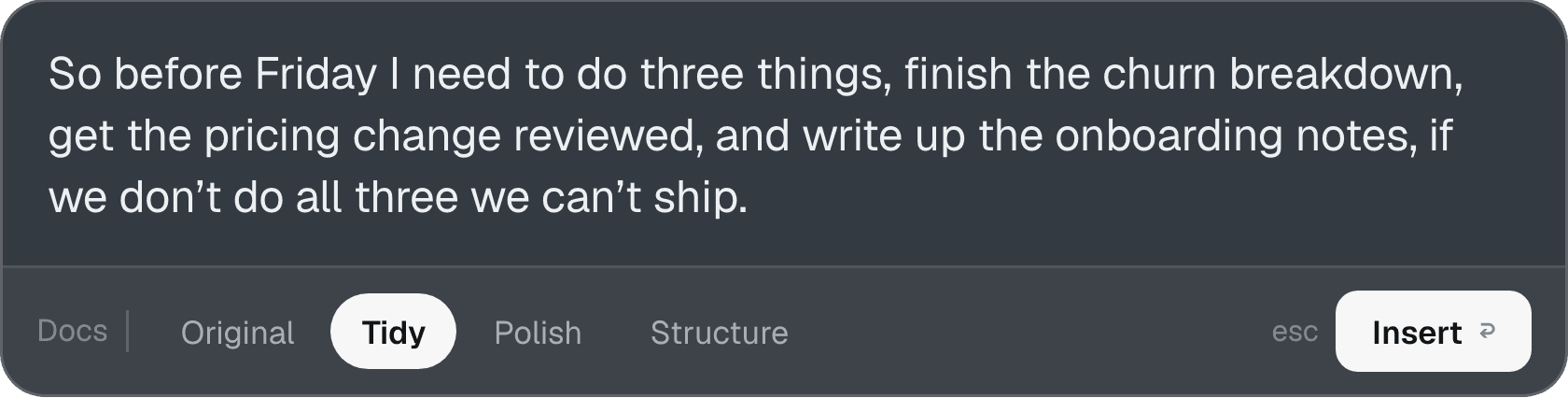
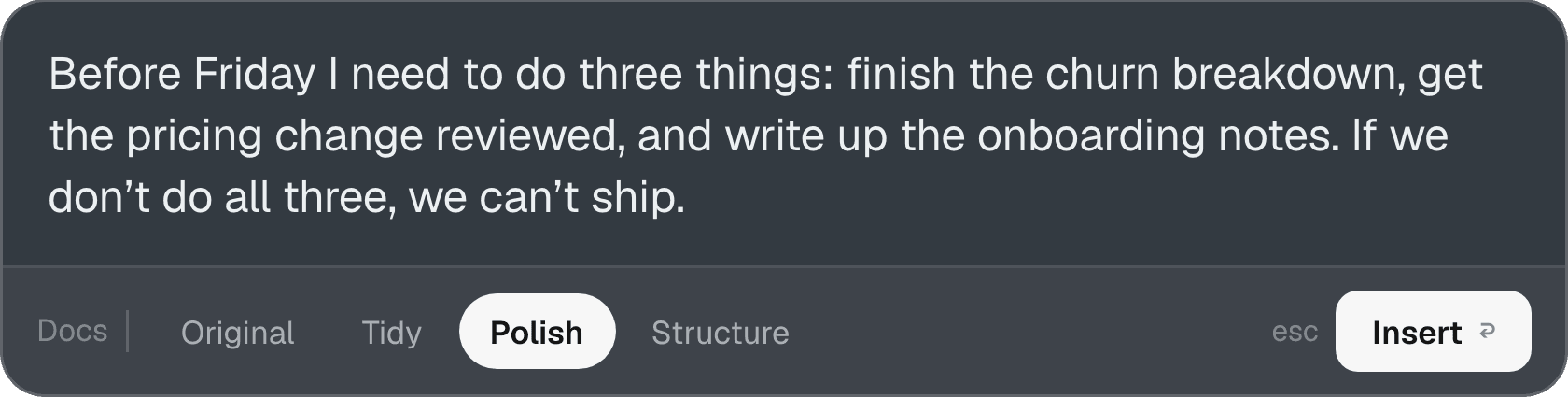
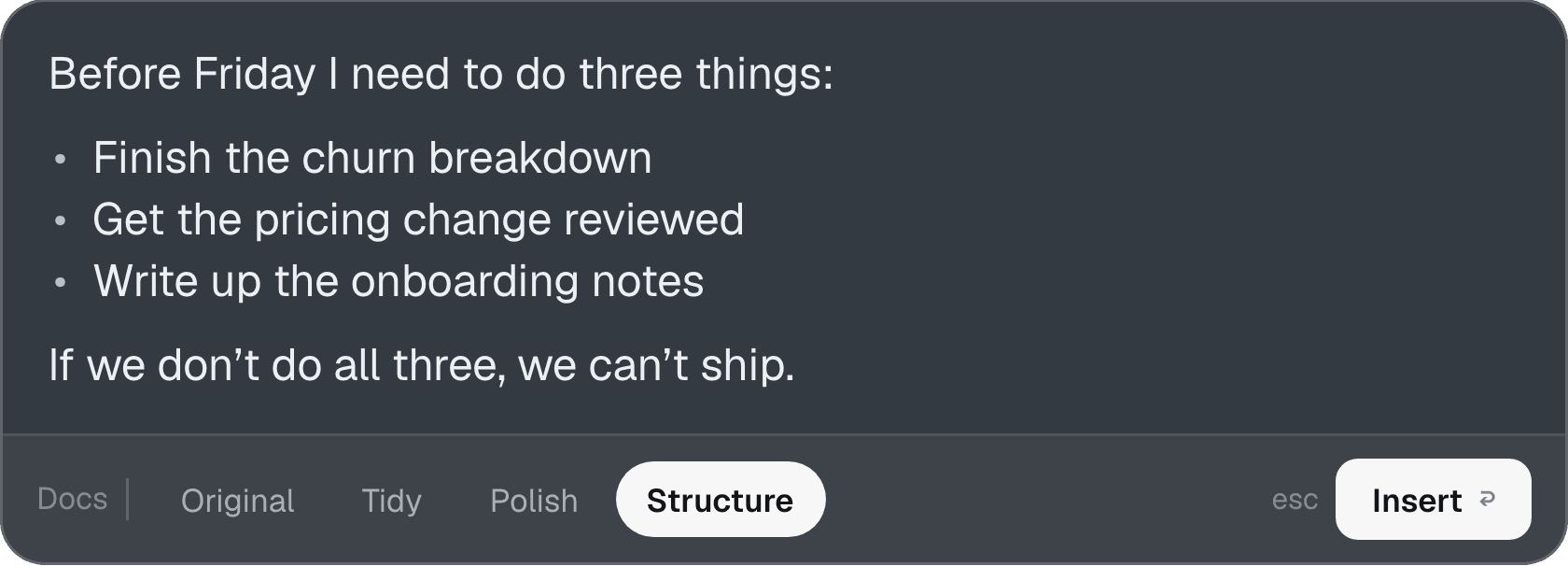
Three steps, and nothing is typed until you choose. Your words wait in a small panel, in four versions: Original, Tidy, Polish and Structure.
- 01Hold fnIn Mail, Slack, Docs, anywhere you can type on your Mac.
- 02SpeakTalk the way you think. The ums and restarts are fine; Original keeps every word.
- 03Pick one, press ReturnTidy, Polish or Structure. Nothing is typed until you press Return.
 01 Hold fn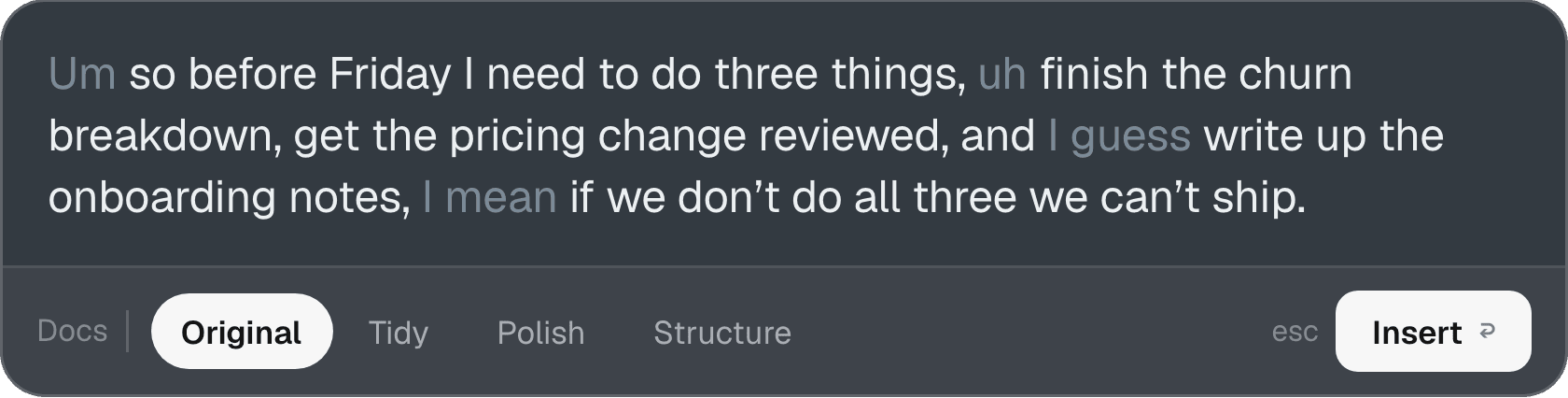
Your voice stays on the Mac
Transcription runs on the Mac. Tidy works with the Wi-Fi off, on a plane or anywhere else. Polish and Structure go to Claude only when you press them, and only the text.
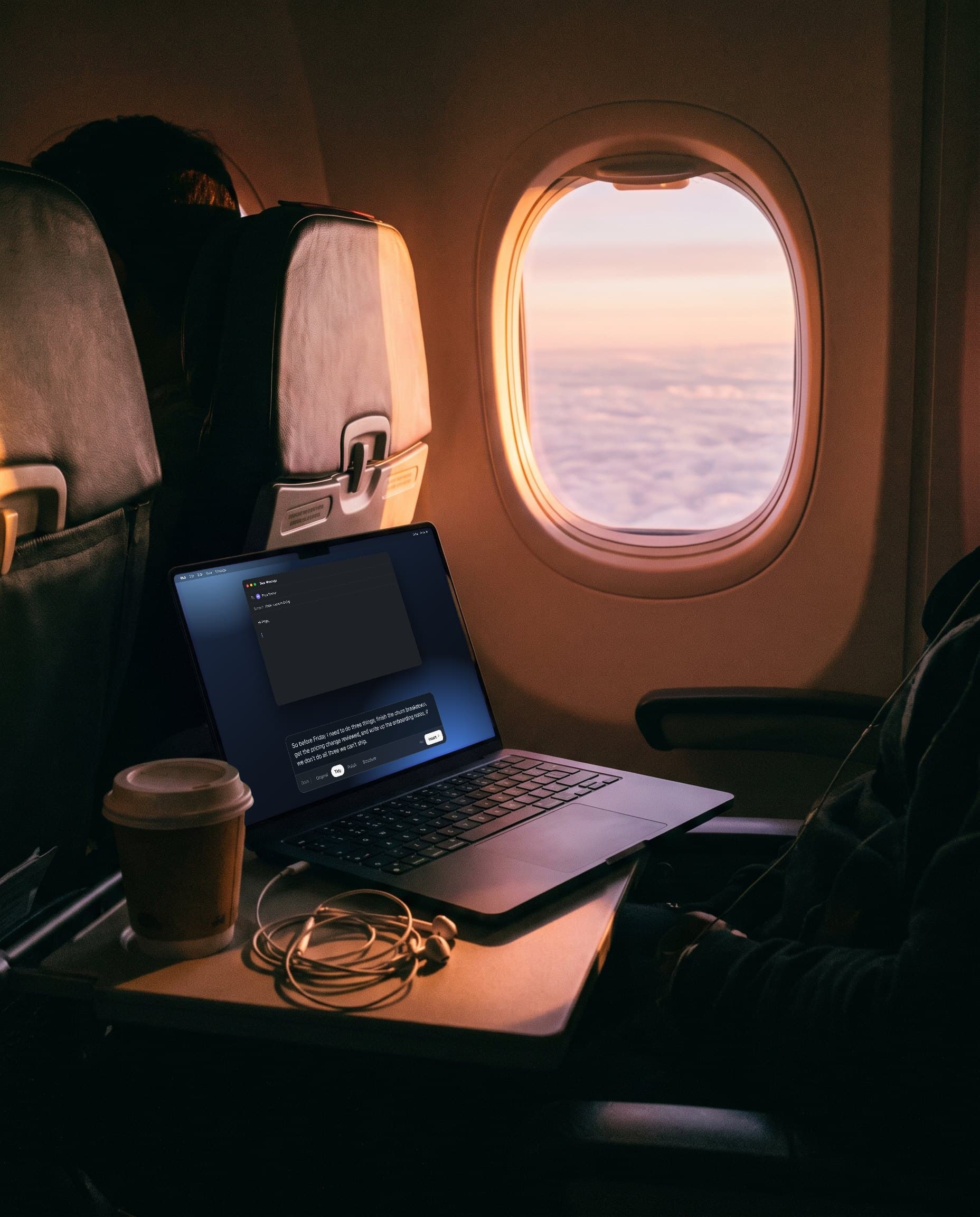
Speak on a plane. Works offline too.
- Your voice
- never leaves the Mac
- Transcription
- on-device
- Tidy
- works offline
- Polish, Structure
- text only, when you press
First thing, last thing
And the long email in between. It works anywhere you can type on your Mac. Fast enough for a Slack reply, careful enough for the email you can’t get wrong.
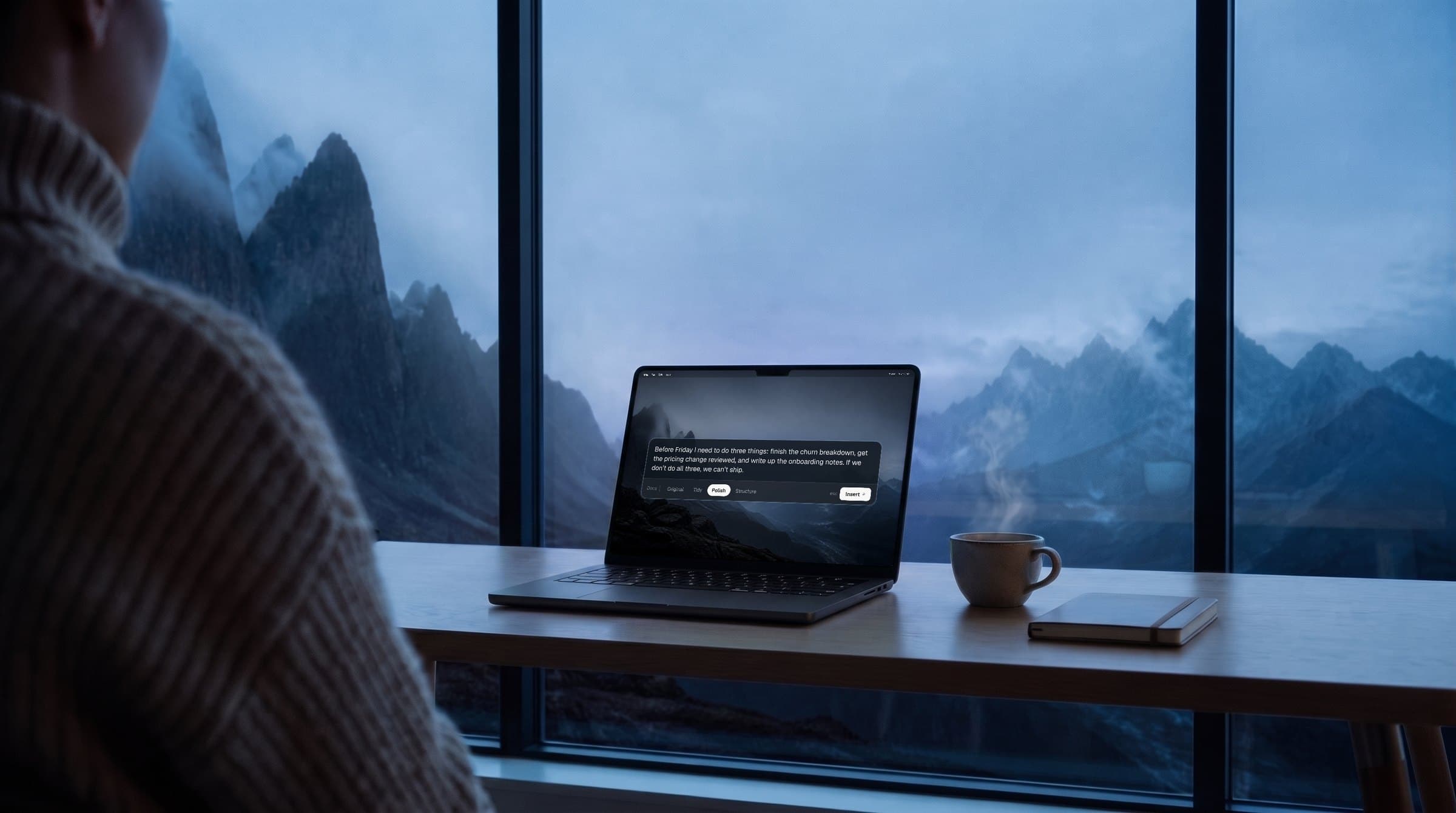
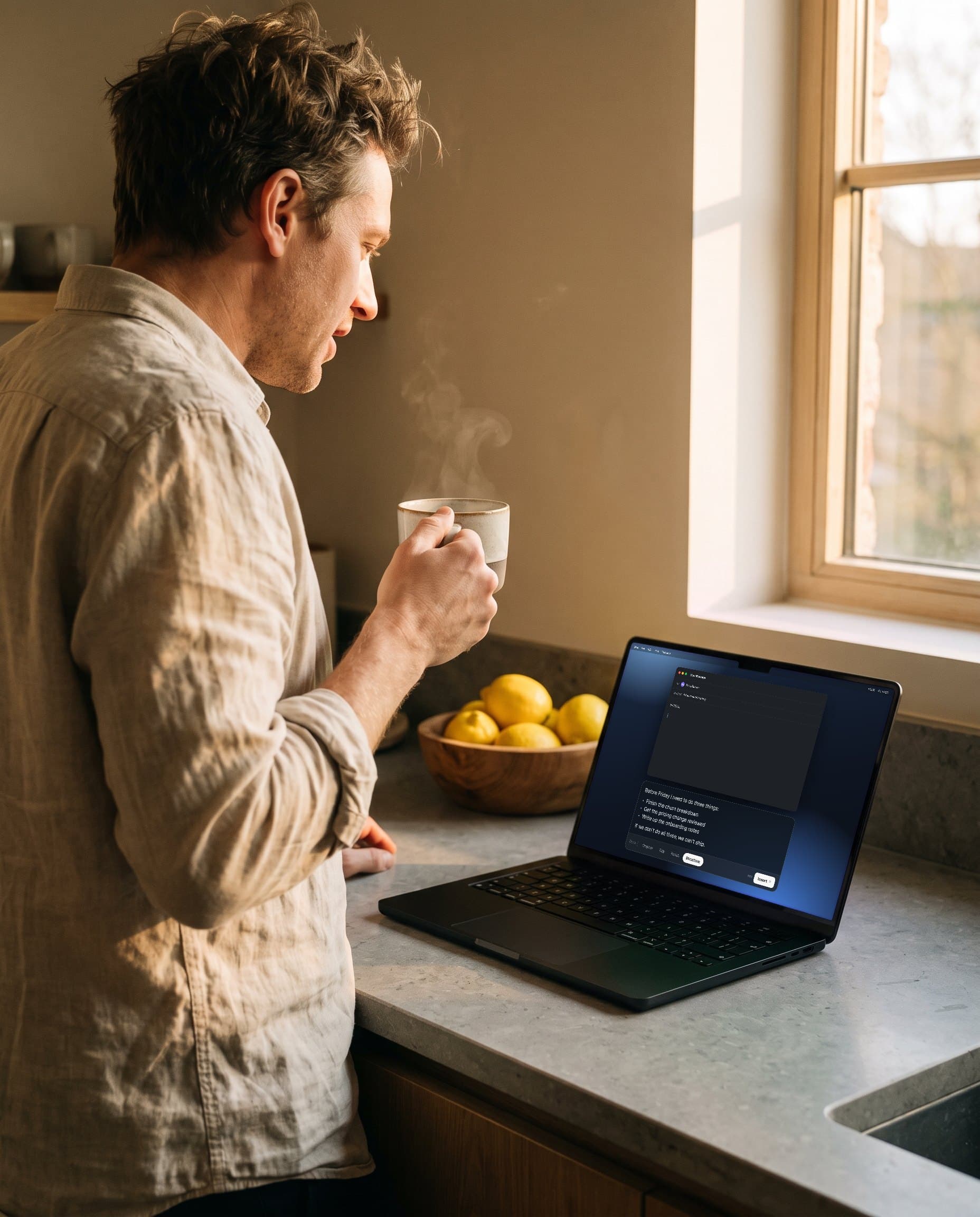 First thing
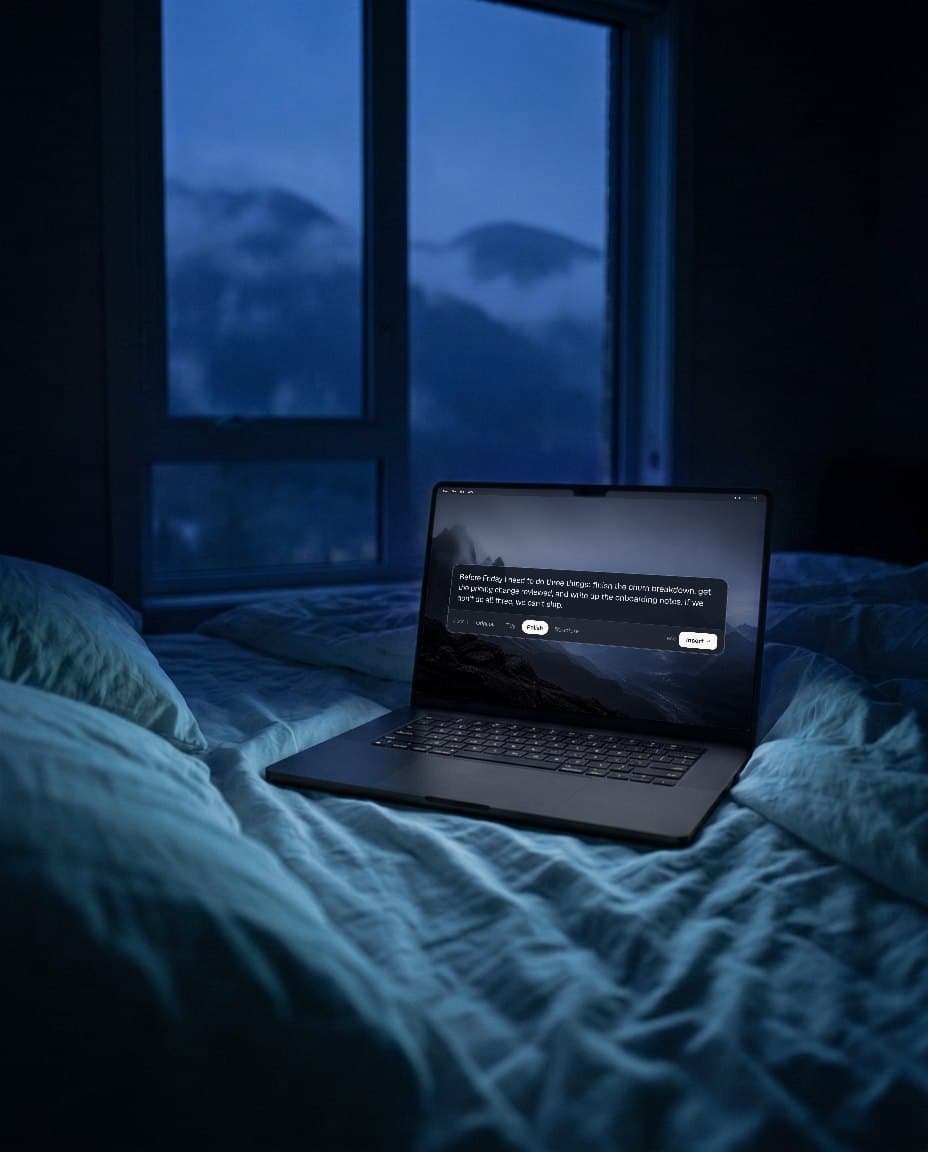 Last thing
Um so before Friday I need to do three things, uh finish the churn breakdown, get the pricing change reviewed, and I guess write up the onboarding notes, I mean if we don’t do all three we can’t ship.
Before Friday I need to do three things: finish the churn breakdown, get the pricing change reviewed, and write up the onboarding notes. If we don’t do all three, we can’t ship.
The site, the brand, the download
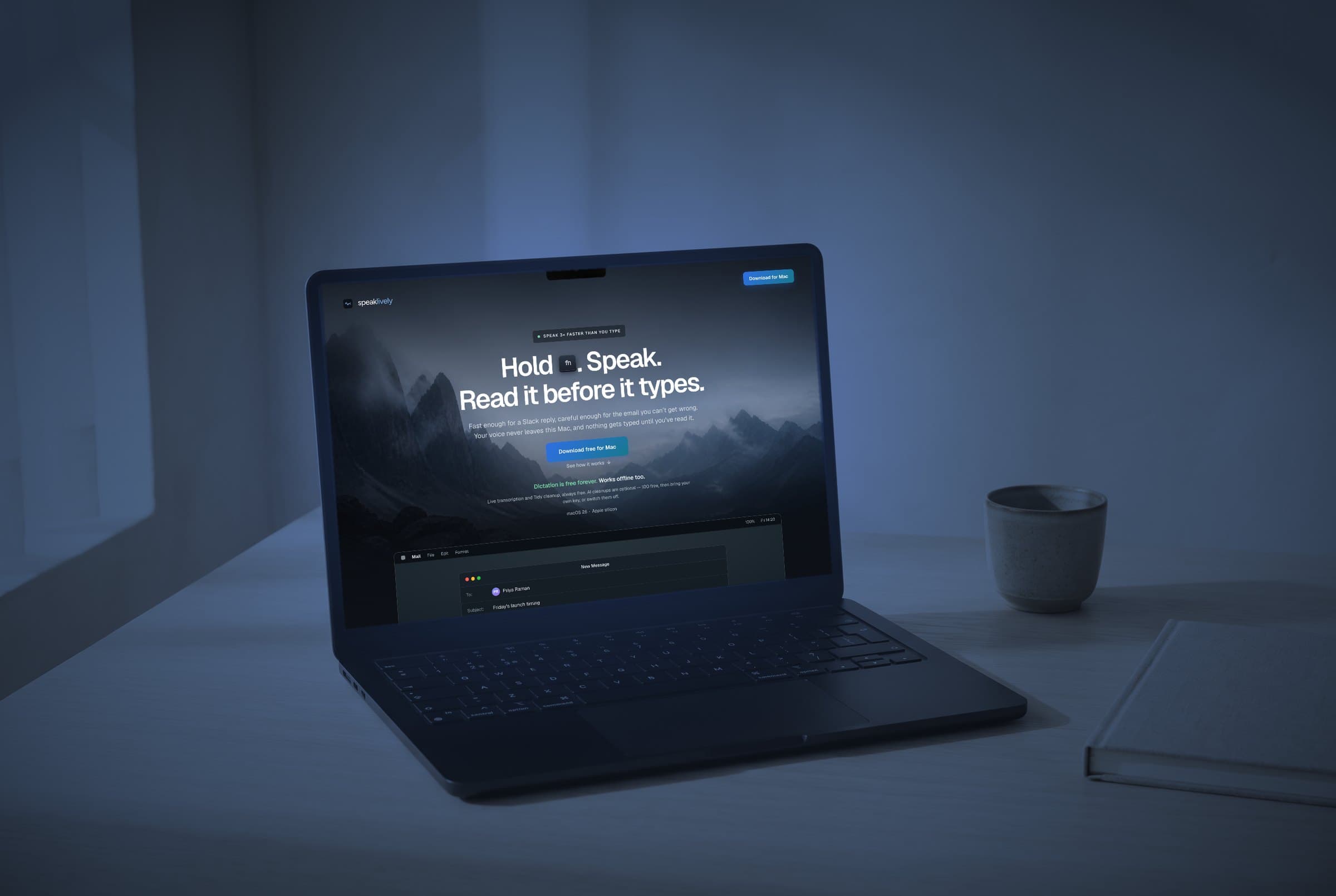
speaklively.com carries the same blue hour, with a working demo of the panel you can press before you install anything.
Want one of these for your business? Start in a week.